Add-on · Office equipment & IT setup

Office hardware that works with ERPCA on day one.

Attendance terminals, document scanners, digital signature tokens, backup storage and workstations, chosen for CA, CS and tax practices, configured for ERPCA before they ship, and supported across India by our hardware partners.

Pre-configured for ERPCA Installed on site Warranty & AMC
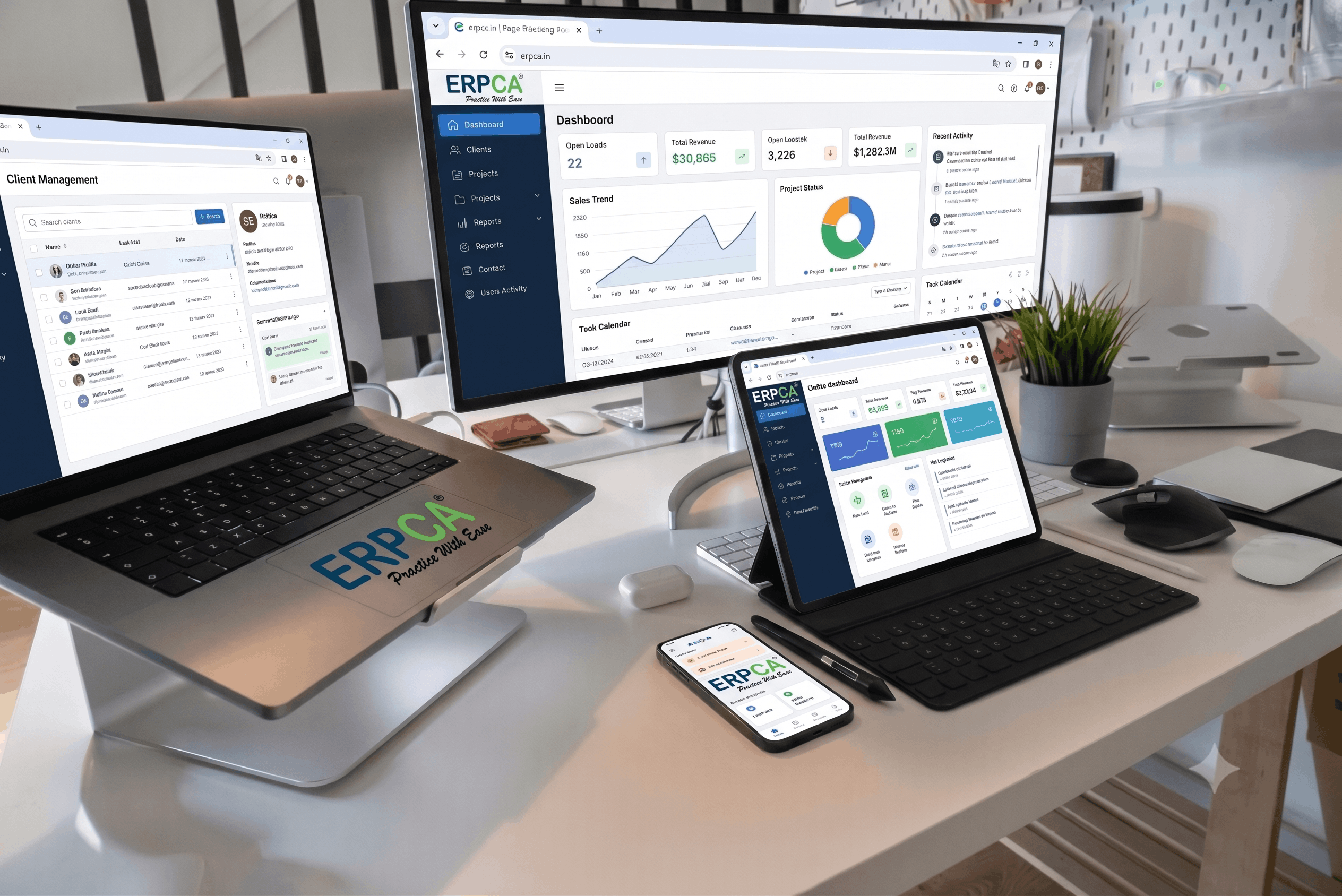
A CA firm workstation running ERPCA on a monitor, laptop, tablet and phone

The equipment

Five things a practice needs, each tied to a part of ERPCA

Every item below arrives with the ERPCA integration already set up. Models and quantities are chosen for your firm; pricing is on request.

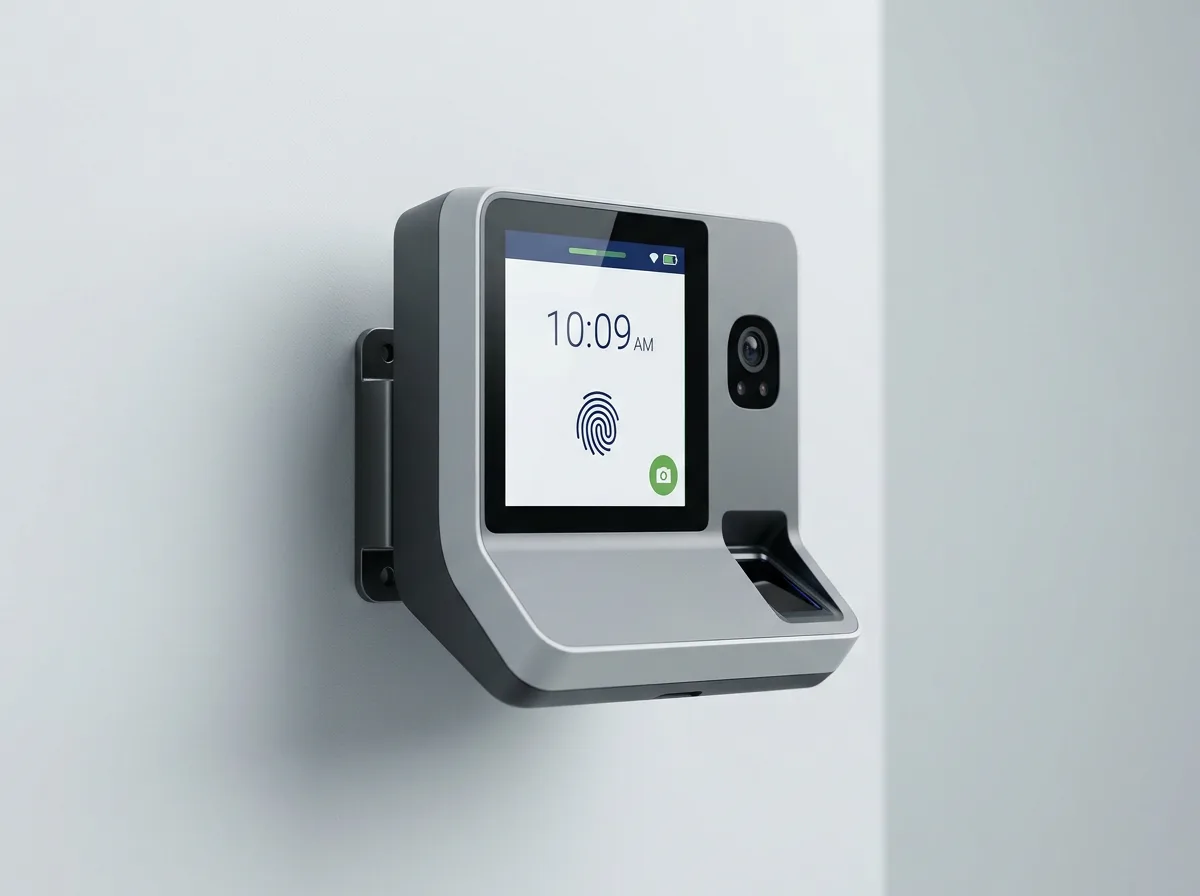
Biometric attendance terminal with fingerprint sensor and face camera
01 · AttendanceFeeds ERPCA Attendance & Payroll

Biometric attendance terminals

Fingerprint and face-recognition terminals that record clock-ins and clock-outs straight into ERPCA. No daily export, no register. Late marks, half-days and overtime flow into payroll on their own.

  • Fingerprint, face or card, or any mix
  • Wi-Fi or LAN, works through the office firewall
  • Multi-branch: one record per employee across offices
  • Staff enrolled by the installer on the day
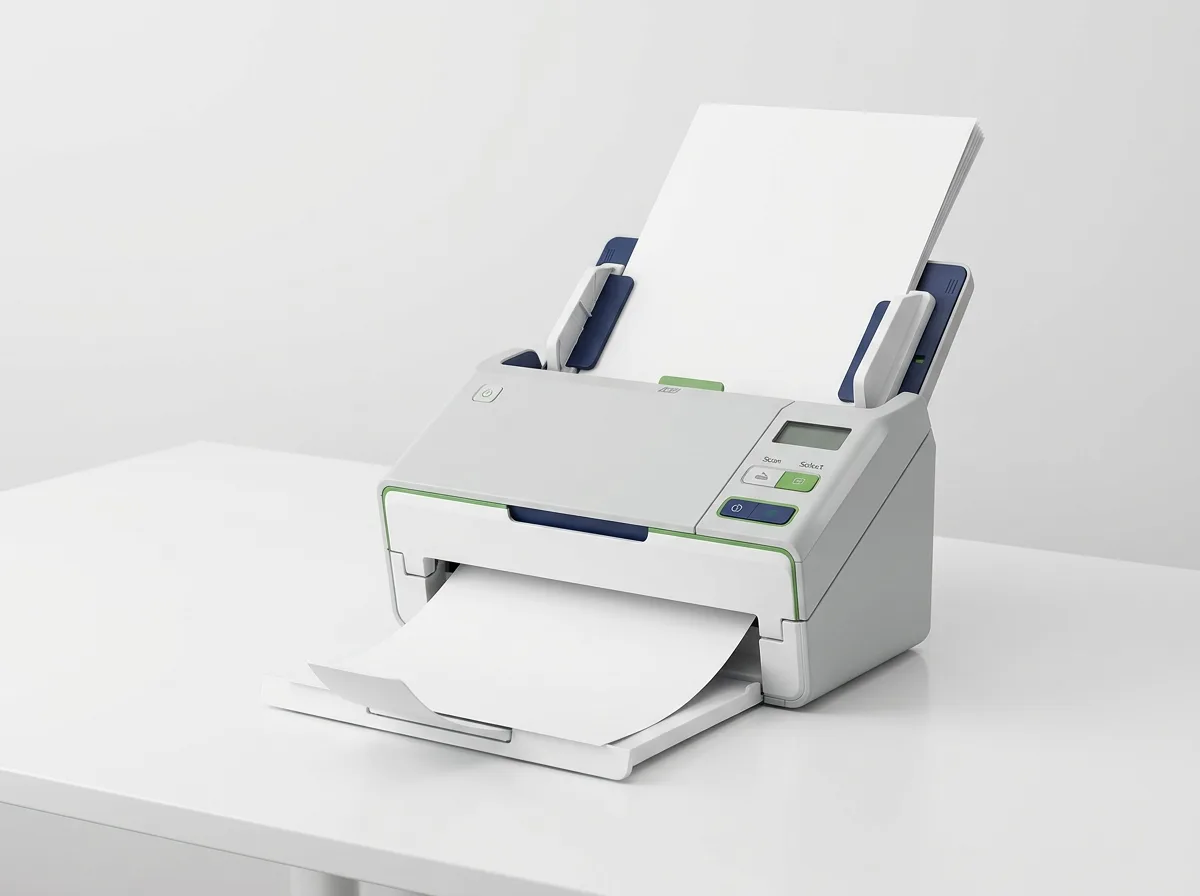
02 · DocumentsFeeds ERPCA Document Analysis & the client portal

High-speed document scanners

Duplex sheet-fed scanners for the paper that still arrives: bank statements, invoices, signed returns, KYC. Scans land in the right client folder in ERPCA, searchable, with OCR run on the way in.

  • Desktop units from 40 to 80 pages a minute, both sides
  • Scan-to-client profiles set up before delivery
  • Handles mixed sizes, receipts and bound-paper edges
  • Consumables and rollers covered under AMC
Desktop duplex document scanner with a stack of pages in the feeder
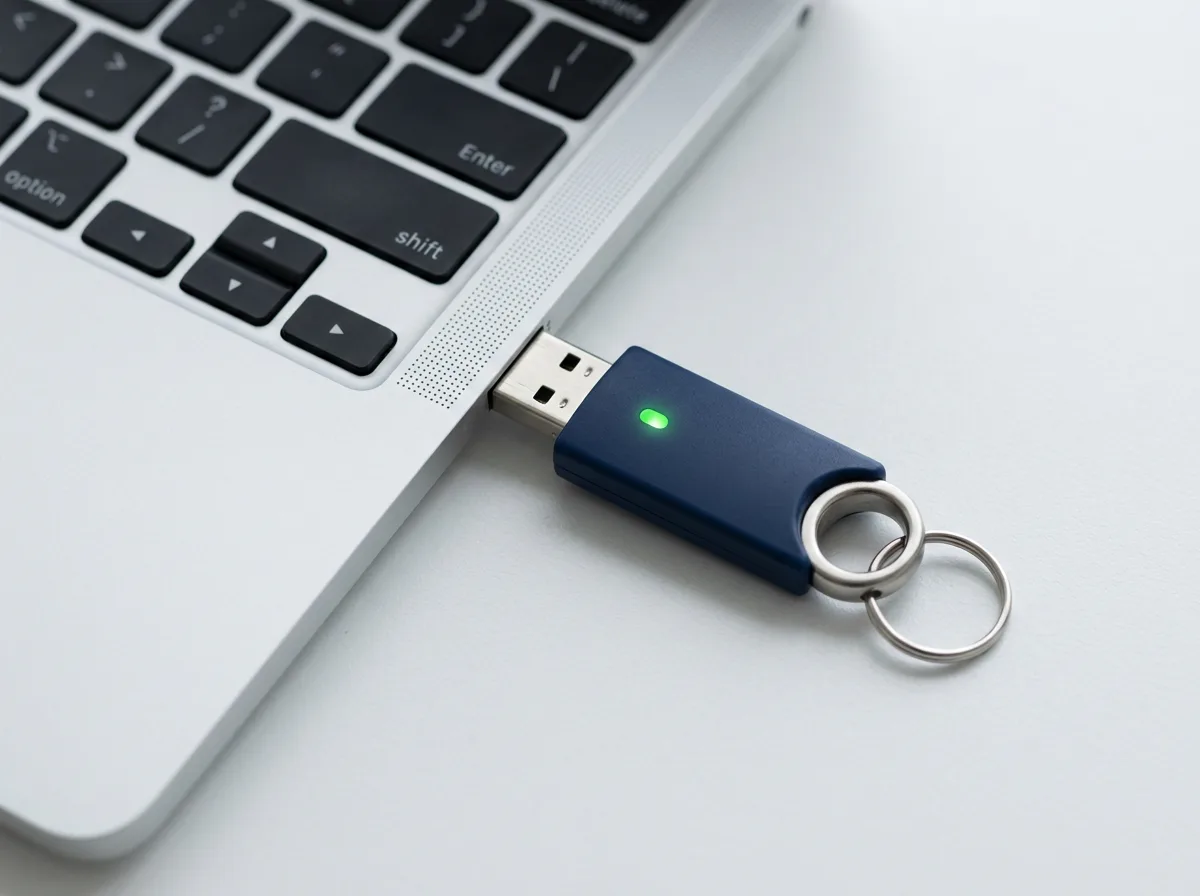
USB digital signature token beside a laptop
03 · SigningUsed with ERPCA filing workflows

Digital signature tokens

FIPS-certified USB tokens for Class 3 digital signature certificates, for partners and for clients whose DSCs the firm holds. Supplied with the certificate loaded and the signing drivers installed on the workstations that need them.

  • Works with MCA, GST, income-tax and DGFT portals
  • Bulk tokens for firms that manage client DSCs
  • Renewal reminders tracked in ERPCA's DSC register
  • Driver setup on Windows and macOS included
04 · BackupLocal copy of your ERPCA documents and working papers

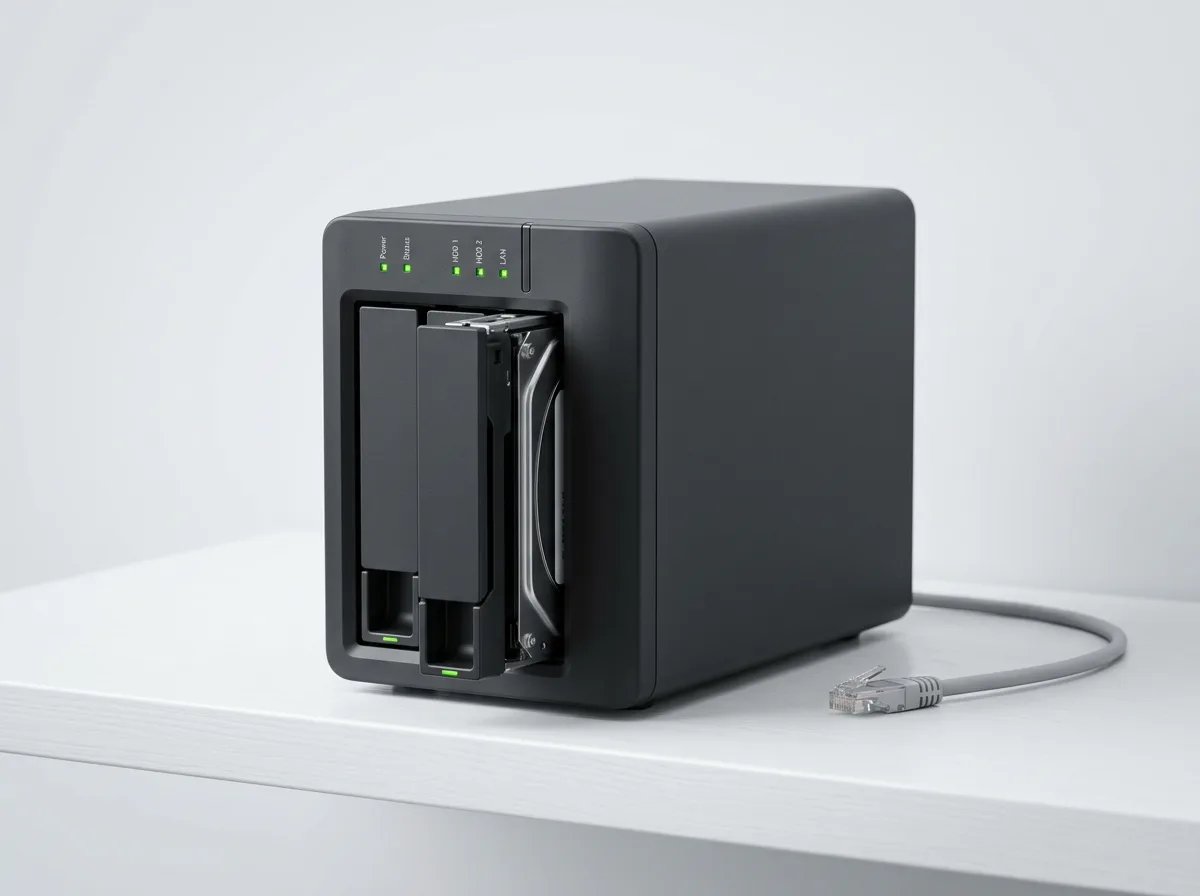
On-premise NAS backup

A two-drive network storage unit in your office that keeps an encrypted, nightly copy of client documents and working papers, so a cloud outage, a ransomware incident or a lost laptop never costs you a file.

  • Mirrored drives: one can fail without data loss
  • Encrypted at rest, versioned snapshots
  • Sized to the firm: 4 TB to 24 TB usable
  • Restore drill done with you at hand-over
Two-bay NAS storage unit with a drive tray pulled out
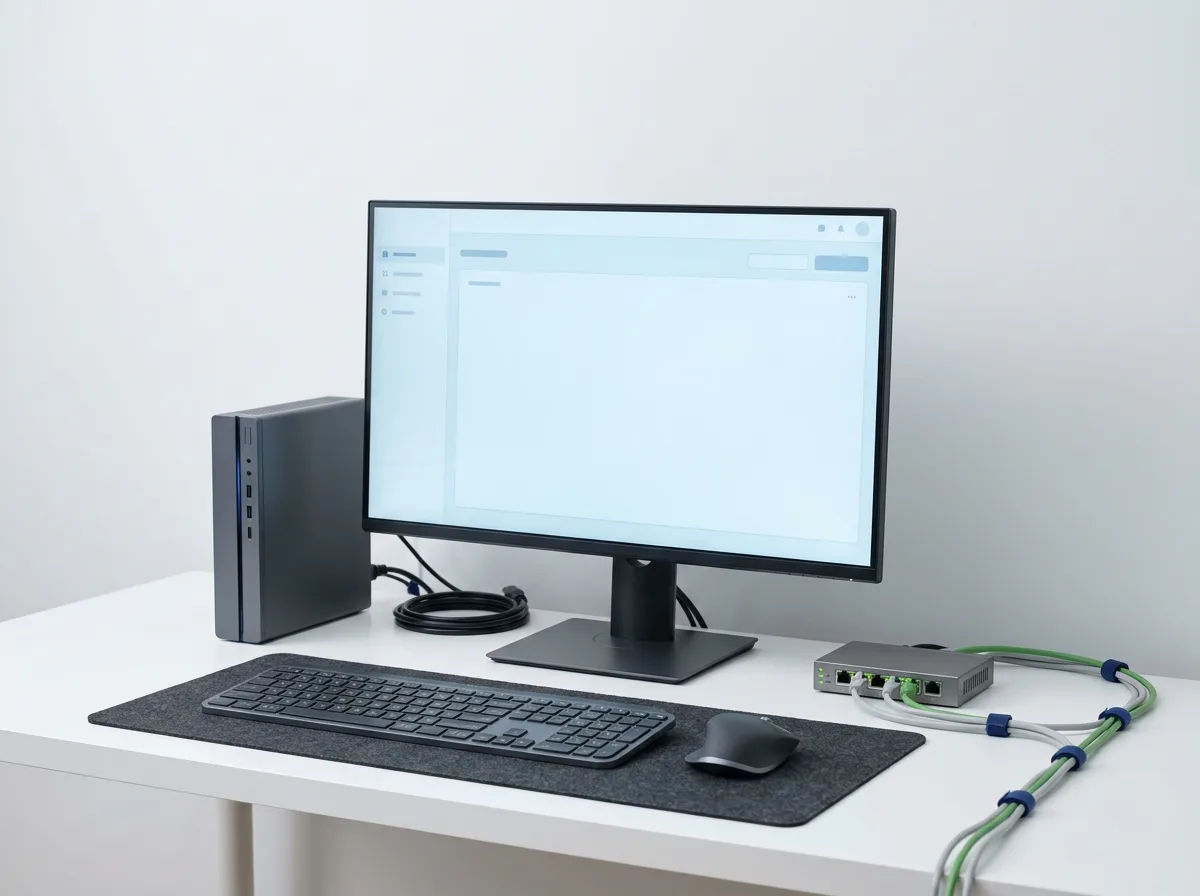
Office workstation with mini PC, monitor and a small network switch
05 · WorkstationsFor new hires, new branches and refresh cycles

Workstations & networking

Desktops, laptops, monitors, printers and the switch, router and UPS that hold an office together. Specified for tax software, browser-heavy work and two screens, delivered with Windows, Office and ERPCA ready to sign in.

  • Standard builds for staff, seniors and partners
  • Whole-branch setups: cabling, Wi-Fi, UPS, printer
  • Genuine licences on the invoice
  • AMC covers the whole office, not device by device

How it works

From a quote request to a working office in four steps

Pricing is on request. Every quote is itemised, carries a GST invoice from the partner, and includes configuration for ERPCA at no extra charge.

  1. 1

    Tell us about the office

    Team size, branches, what you have today and what keeps failing. Ten minutes on the form below or on a call.

  2. 2

    Itemised quote

    Models, quantities, warranty and AMC terms, usually within two working days. Change anything before you approve.

  3. 3

    Configure and install

    Devices are linked to your ERPCA account before dispatch. The partner installs on site in most cities, or sets up remotely with you on a call.

  4. 4

    Support and AMC

    Manufacturer warranty on every device, an optional AMC for on-site support, and one number to call for hardware or software.

Why buy through ERPCA

The same devices a dealer sells, minus the week of setup

Configured before it ships

Terminals, scanners and tokens are linked to your ERPCA account and tested with it. You plug in and sign in.

One invoice, GST-compliant

A single itemised invoice from the partner with input credit you can claim, instead of five vendors and five follow-ups.

One number for hardware and software

When a scan does not appear or a punch is missing, you call ERPCA support. We decide whether it is the device or the software, not you.

Service across India

Partner engineers in major cities and remote setup elsewhere, with AMC visits scheduled through the same support desk.

Request a quote

Tell us what the office needs

An itemised quote with models, quantities, warranty and AMC terms, usually within two working days. No commitment until you approve it.

  • Pricing on request, itemised
  • Compatibility check for equipment you already own
  • Existing ERPCA customers: mention your firm name

Prefer to talk? Contact the team or book a call.

What do you need? Pick all that apply

We use these details only to prepare and send your quote. Privacy policy.

Questions firms ask before they order

Do I have to buy hardware through ERPCA to use the software?

No. ERPCA works with most standard scanners, biometric devices and PCs. Buying through us means the device arrives configured for ERPCA and is supported by one team.

Who installs the equipment?

Our hardware partners install on site in most Indian cities. Elsewhere, devices ship pre-configured and the team completes setup with you over a call.

What does it cost?

Pricing is on request and depends on the models and quantities you need. You receive an itemised quote with a GST invoice from the partner, and ERPCA charges nothing extra for the configuration.

What happens if a device fails?

Manufacturer warranty applies to every device, and an annual maintenance contract is available for on-site support beyond it. The terms are stated on your quote before you order.

Will my existing scanner or attendance machine work?

Usually yes. Tell us the make and model in the quote form and the team will confirm compatibility before you buy anything.