HOW TO CHANGE DUE DATE OF MULTIPLE TASK?
In ERPCA one can change the due date of multiple task ( WIP and Overdue) which belongs to the same work-category:Open Taskboard--->>>>Bird/List ViewClick on the d…
In ERPCA one can change the due date of multiple task ( WIP and Overdue) which belongs to the same work-category:
Open Taskboard--->>>>Bird/List View
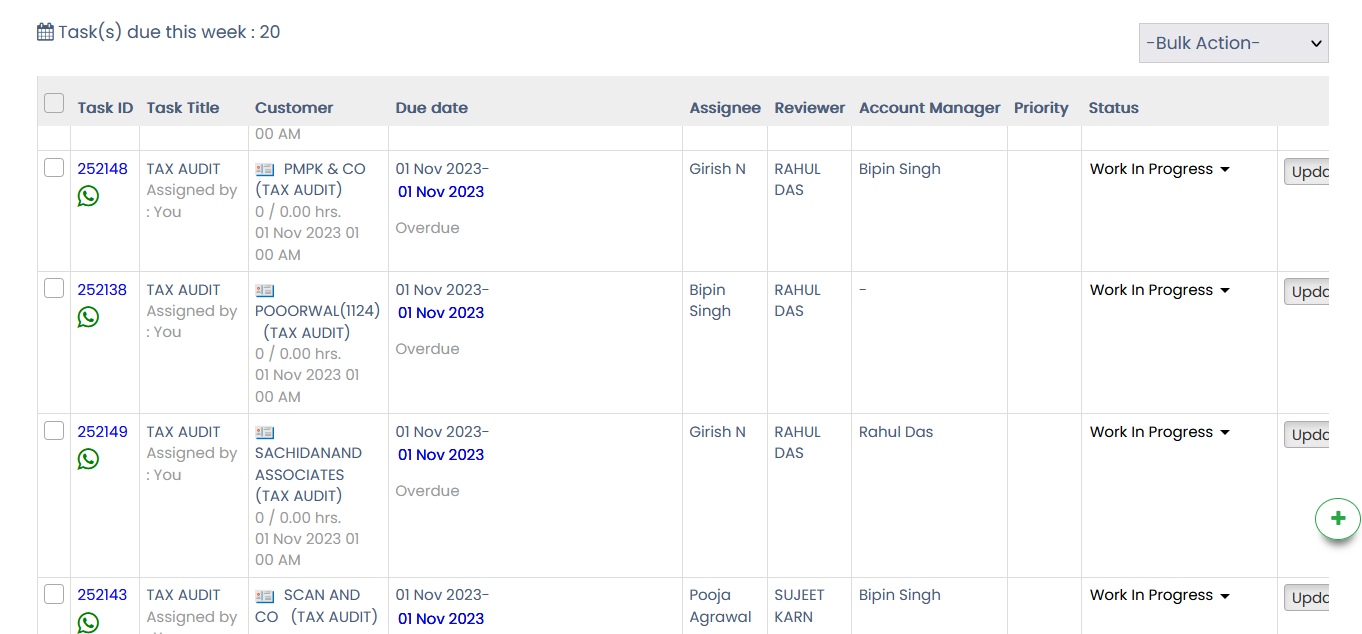
Click on the due date of any one task and the following window will pop up-:
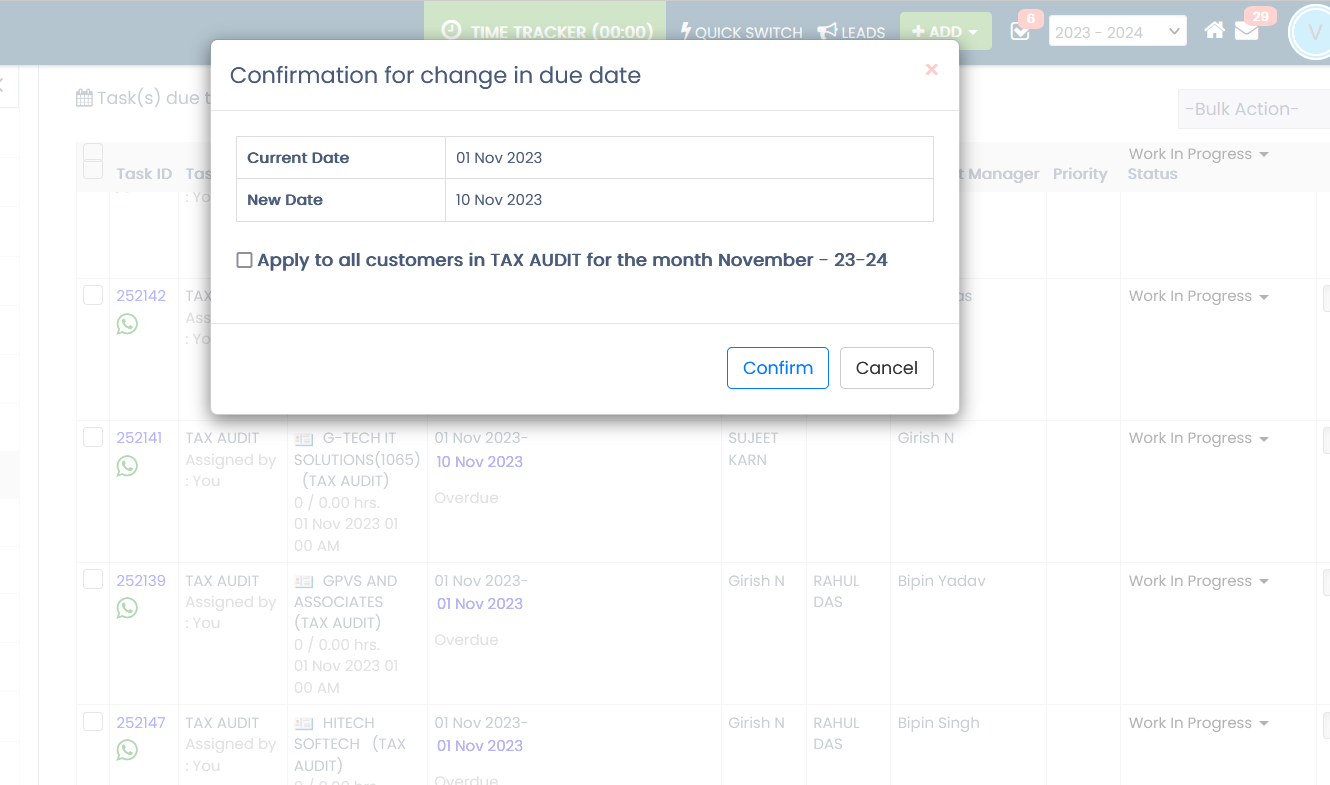
Click on apply to all and finally confirm.
Updated 18 Feb 2026 · View on support.erpca.com