About this video
How to manage your team in the new ERPCA: the Users list with its tiles and row menu, a person's profile (User 360), adding a user, importing users from a spreadsheet, user groups, roles and permissions, and the organisation chart. Recorded on demo data; no user was added, imported or changed, and no permission was changed.
Chapters
0:00
Introduction
0:13
The Users list
1:06
A person's profile
1:37
Add a user
2:31
Import users
3:02
User groups
3:27
Roles and permissions
4:14
Organisation
5:00
What's next
Next in the series
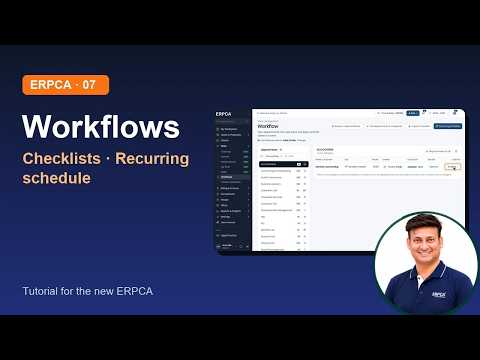
Workflows: services, checklists, recurring schedule
Narrated by an AI voice made from the presenter's own voice.
ERPCA, ERPCA tutorial, user management, roles and permissions, organisation chart, import users, CA practice management, CA firm software
Full video description
How to manage your team in the new ERPCA: the Users list with its tiles and row menu, a person's profile (User 360), adding a user, importing users from a spreadsheet, user groups, roles and permissions, and the organisation chart. Recorded on demo data; no user was added, imported or changed, and no permission was changed.
Chapters
0:00 Introduction
0:13 The Users list
1:06 A person's profile
1:37 Add a user
2:31 Import users
3:02 User groups
3:27 Roles and permissions
4:14 Organisation
5:00 What's next
Next in the series: Workflows: services, checklists, recurring schedule
Narrated by an AI voice made from the presenter's own voice.
ERPCA, ERPCA tutorial, user management, roles and permissions, organisation chart, import users, CA practice management, CA firm software