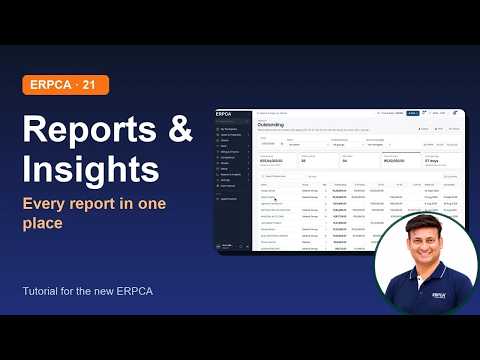
About this video
How to look after your own account in the new ERPCA and connect it to other services: the account menu, My profile with Edit and profile strength, changing your password, and the Integrations page for document storage, payments, leads, WhatsApp and eWorkPulse. Recorded on a demo; nothing was saved and no key was shown.
Chapters
0:00
Introduction
0:11
The account menu
0:26
My profile
1:00
Change your password
1:19
What's New
1:38
To-do
1:53
Integrations
2:21
Connect WhatsApp
2:49
What's next
Next in the series
Client logins: activating them and what your client sees
Narrated by an AI voice made from the presenter's own voice.
ERPCA, ERPCA tutorial, ERPCA profile, ERPCA integrations, WhatsApp Cloud API, Razorpay, Google Drive, CA practice management, CA firm software
Full video description
How to look after your own account in the new ERPCA and connect it to other services: the account menu, My profile with Edit and profile strength, changing your password, and the Integrations page for document storage, payments, leads, WhatsApp and eWorkPulse. Recorded on a demo; nothing was saved and no key was shown.
Chapters
0:00 Introduction
0:11 The account menu
0:26 My profile
1:00 Change your password
1:19 What's New
1:38 To-do
1:53 Integrations
2:21 Connect WhatsApp
2:49 What's next
Next in the series: Client logins: activating them and what your client sees
Narrated by an AI voice made from the presenter's own voice.
ERPCA, ERPCA tutorial, ERPCA profile, ERPCA integrations, WhatsApp Cloud API, Razorpay, Google Drive, CA practice management, CA firm software