Chapters
Welcome to ERPCA
Your Complete Business Management Solution!
0:10
Your Day at a Glance
0:57
Focus for Today
1:27
Needs You
1:44
The Money and the Firm
2:12
Make It Yours
2:51
What's Next
My Workspace & Dashboard
Client Management
GST Compliance & Return Filing
Task & Workflow Management
Accounting & Billing
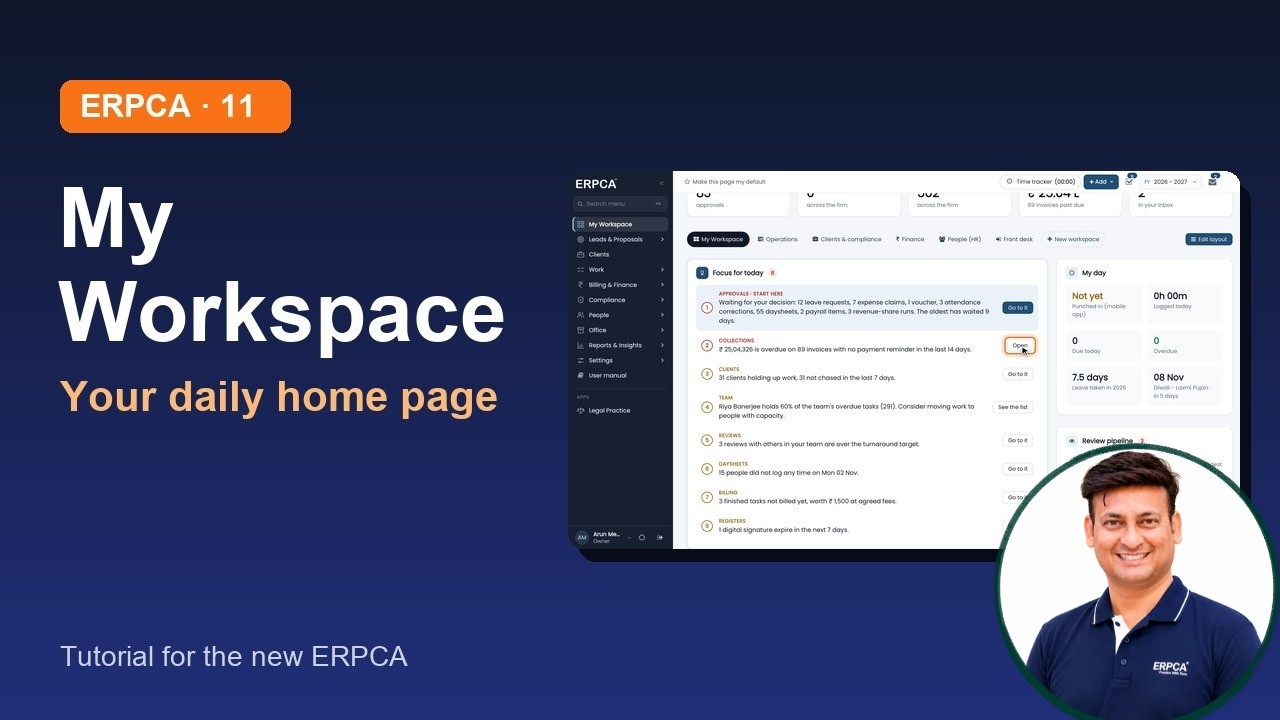
Discover the new My Workspace in ERPCA (earlier known as Dashboard), your personalized starting point to manage daily activities, track important updates, monitor approvals, and stay on top of your firm's performance.
In this video, we walk you through the new My Workspace interface and explain how CA professionals, accountants, and firm owners can organize their daily work more efficiently.
Full video description
Welcome to ERPCA – Your Complete Business Management Solution!
Discover the new My Workspace in ERPCA (earlier known as Dashboard), your personalized starting point to manage daily activities, track important updates, monitor approvals, and stay on top of your firm's performance.
In this video, we walk you through the new My Workspace interface and explain how CA professionals, accountants, and firm owners can organize their daily work more efficiently.
What You'll Learn in This Video:
Introduction to the new My Workspace.
Understanding summary tiles and your daily overview.
How to use Focus for Today.
Tracking pending tasks and important activities.
Understanding Needs You for Approvals.
Managing your daily activities through My Day.
Monitoring firm performance and financial summaries.
Exploring quick shortcuts for faster navigation.
Using ready-made workspaces.
Customizing your workspace using Edit Layout.
Video Chapters:
0:00 – Introduction
0:10 – Your Day at a Glance
0:57 – Focus for Today
1:27 – Needs You
1:44 – The Money and the Firm
2:12 – Make It Yours
2:51 – What's Next
About ERPCA
ERPCA is an integrated practice and business management solution designed for CA firms, accounting professionals, and businesses.
Explore ERPCA features:
My Workspace & Dashboard
Client Management
GST Compliance & Return Filing
Task & Workflow Management
Accounting & Billing
Approvals & Notifications
Financial Reports & Analytics
Complete CA Practice Management
Watch the Next Video
Continue learning with our next tutorial:
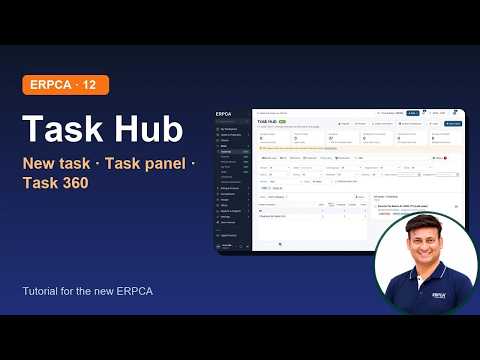
ERPCA Work 1 – Task Hub, Creating a Task & Task 360
Stay Connected
Subscribe to our channel for more ERPCA tutorials, product demonstrations, feature walkthroughs, and software updates.
If you find this video helpful, please LIKE, SHARE & SUBSCRIBE!
Website: [Your Website URL]
#ERPCA #MyWorkspace #ERPSoftware #CADashboard #CAFirmSoftware #PracticeManagement #TaskManagement #ClientManagement #BusinessManagement #AccountingSoftware