About this video
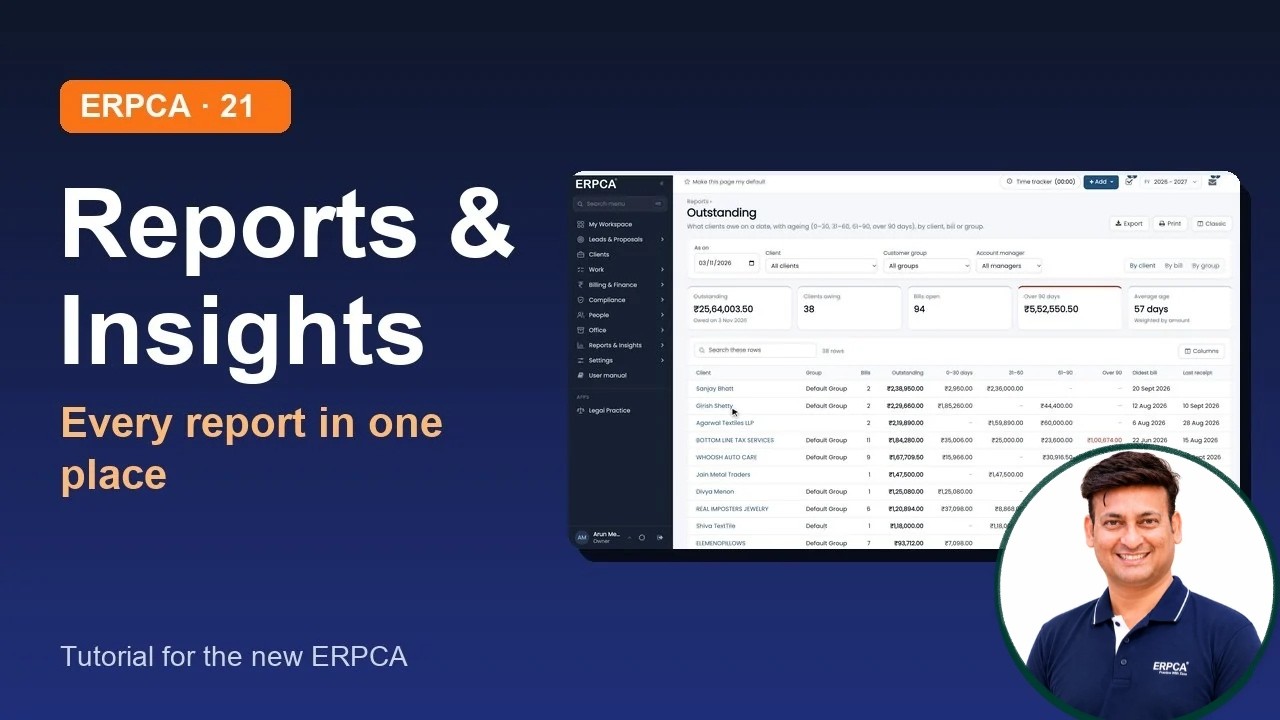
How to use Reports & Insights in the new ERPCA: find any report (even by its earlier name), pin the ones you use, read a report with its filters, views, tiles and pop-ups, and see the whole firm in the Business report. Recorded on demo data; nothing was exported.
Chapters
0:00
Introduction
0:10
The Reports page
0:43
How a report works
1:24
Daybook
1:54
Business report
2:32
Classic dashboard and Actionable insights
2:44
What's next
Next in the series
Your account and connections: profile, integrations, WhatsApp
Narrated by an AI voice made from the presenter's own voice.
ERPCA, ERPCA tutorial, ERPCA reports, outstanding report, business report, CA firm MIS, CA practice management, CA firm software
Full video description
How to use Reports & Insights in the new ERPCA: find any report (even by its earlier name), pin the ones you use, read a report with its filters, views, tiles and pop-ups, and see the whole firm in the Business report. Recorded on demo data; nothing was exported.
Chapters
0:00 Introduction
0:10 The Reports page
0:43 How a report works
1:24 Daybook
1:54 Business report
2:32 Classic dashboard and Actionable insights
2:44 What's next
Next in the series: Your account and connections: profile, integrations, WhatsApp
Narrated by an AI voice made from the presenter's own voice.
ERPCA, ERPCA tutorial, ERPCA reports, outstanding report, business report, CA firm MIS, CA practice management, CA firm software


