About this video
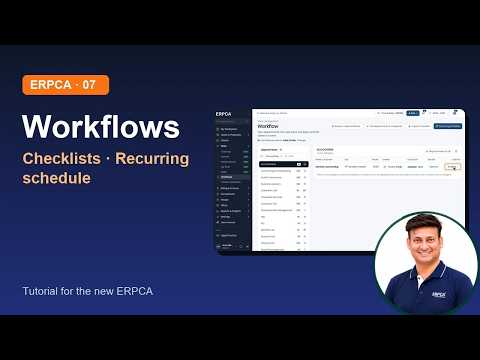
How to work with clients in the new ERPCA: find a client in the Clients list (earlier: Customers), open Client 360 and its tabs, fill in the New client form, and add a client by GSTIN. Recorded on demo data.
Chapters
0:00
Introduction
0:11
The Clients list
0:41
Find a client
1:08
Client 360
1:43
The tabs of Client 360
2:32
Add a new client
3:18
Add by GSTIN
3:38
Wrap-up
Next in the series
Client groups and importing clients
Narrated by an AI voice made from the presenter's own voice.
ERPCA, ERPCA tutorial, CA practice management, Client 360, Add by GSTIN, GSTIN, client management software, CA firm software, ERPCA clients
Full video description
How to work with clients in the new ERPCA: find a client in the Clients list (earlier: Customers), open Client 360 and its tabs, fill in the New client form, and add a client by GSTIN. Recorded on demo data.
Chapters
0:00 Introduction
0:11 The Clients list
0:41 Find a client
1:08 Client 360
1:43 The tabs of Client 360
2:32 Add a new client
3:18 Add by GSTIN
3:38 Wrap-up
Next in the series: Client groups and importing clients
Narrated by an AI voice made from the presenter's own voice.
ERPCA, ERPCA tutorial, CA practice management, Client 360, Add by GSTIN, GSTIN, client management software, CA firm software, ERPCA clients