About this video
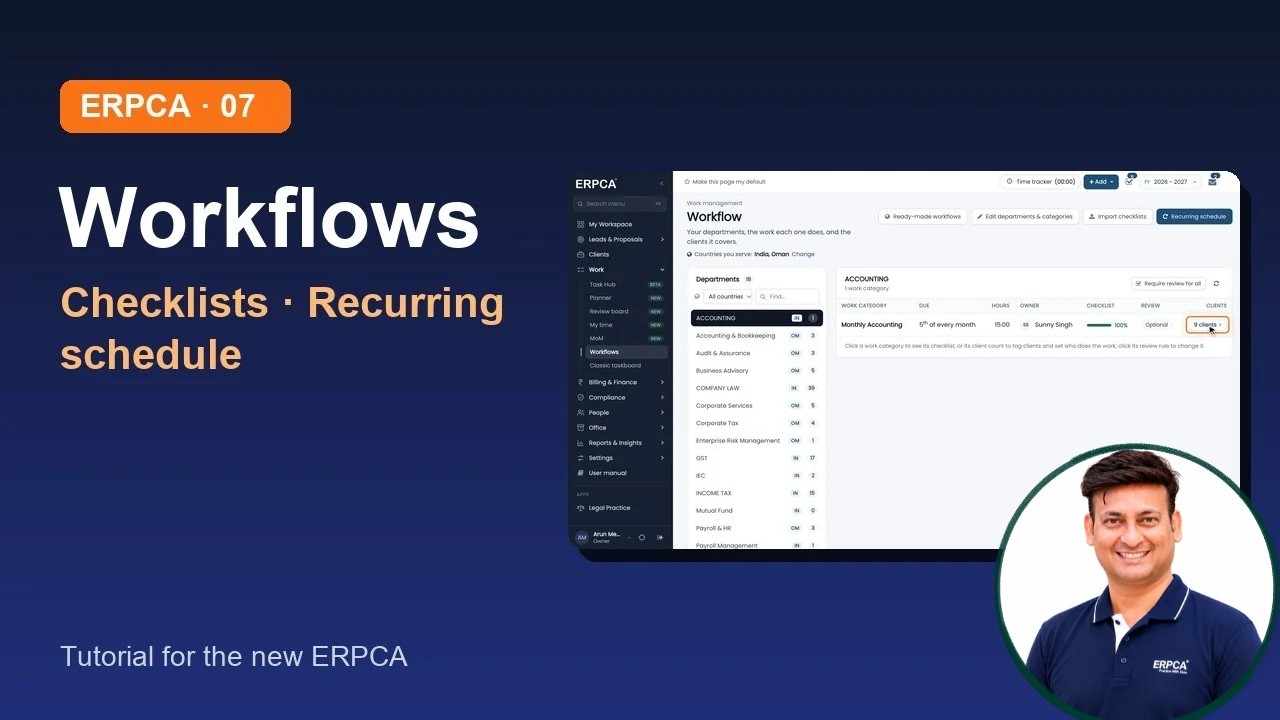
In this tutorial, we will walk you through ERPCA – Workflows: Departments, Work Categories, Checklists & Recurring Schedules.
Learn how to set up and manage the work your firm handles in ERPCA, from configuring departments and work categories to assigning clients, managing checklists and automating recurring tasks.
In this video, you will learn about
Workflow Page
Explore the new Workflows page (earlier known as WorkFlow).
Work Categories
Create and configure different categories of work performed by your firm.
Category Checklists
Set up checklists for each work category to ensure all required activities are completed.
Client Tagging
Link clients to specific work categories.
Work Assignment
Choose and assign the team members responsible for handling each category of work.
Ready-Made Workflows
Explore predefined workflows available for your country.
Departments & Categories
Edit and manage departments and work categories.
Import Checklists
Import existing checklists directly from Excel.
Recurring Schedules
Configure monthly recurring schedules that automatically generate tasks for your firm.
00:00
Introduction
00:14
The Workflow Page
00:40
Work Categories
This tutorial demonstrates the workflow configuration process using demo data. No data was changed or saved during the demonstration.
Full video description
In this tutorial, we will walk you through ERPCA – Workflows: Departments, Work Categories, Checklists & Recurring Schedules.
Learn how to set up and manage the work your firm handles in ERPCA, from configuring departments and work categories to assigning clients, managing checklists and automating recurring tasks.
In this video, you will learn about:
Workflow Page: Explore the new Workflows page (earlier known as WorkFlow).
Work Categories: Create and configure different categories of work performed by your firm.
Category Checklists: Set up checklists for each work category to ensure all required activities are completed.
Client Tagging: Link clients to specific work categories.
Work Assignment: Choose and assign the team members responsible for handling each category of work.
Ready-Made Workflows: Explore predefined workflows available for your country.
Departments & Categories: Edit and manage departments and work categories.
Import Checklists: Import existing checklists directly from Excel.
Recurring Schedules: Configure monthly recurring schedules that automatically generate tasks for your firm.
This tutorial demonstrates the workflow configuration process using demo data. No data was changed or saved during the demonstration.
Chapters:
00:00 – Introduction
00:14 – The Workflow Page
00:40 – Work Categories
01:13 – Clients of a Work Category
01:56 – Ready-Made Workflows
02:13 – Edit Departments and Categories
02:29 – Import Checklists
02:51 – Recurring Schedule
03:43 – What's Next
Next in the Series: Clients – Find a Client, Client 360 & Add by GSTIN.
ERPCA – Simplifying Firm Management
Subscribe to our channel for more ERPCA tutorials, feature walkthroughs and product updates.
#ERPCA #ERPCAWorkflow #WorkflowManagement #RecurringTasks #ComplianceChecklist #CAFirmSoftware #ERPSoftware #TaskAutomation #PracticeManagement
Note: This video uses an AI-generated voice created from the presenter's own voice.


