ERPCA
Video Library
Step-by-step tutorials, product walkthroughs and customer stories showing how ERPCA works.
150 videos · Page 2 of 7
Start here · Learning Series
ERPCA from setup to daysheets, in 12 episodes
The onboarding course our team walks every new firm through: account set-up, users, workflows, customers, tasks, expenses, daysheets and documents — in the order you will actually do them.
-
1
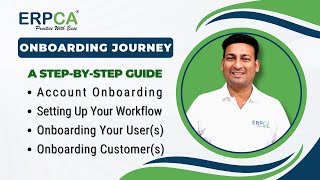 Onboarding Journey: Account Setup | User & Customer | Seamless Workflow
-
2
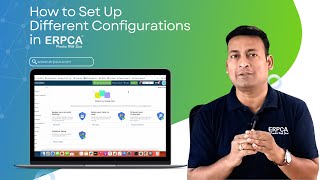 Setting Up Different System Configurations in ERPCA
-
3
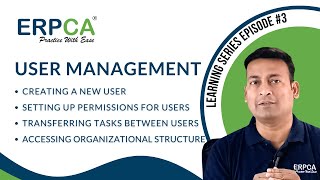 User Management : Adding Users | Permissions Setup | Task Transfer
-
4
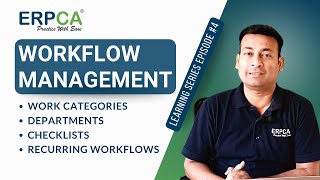 Workflow Management : Categories | Departments | Checklists | Recurring
-
5
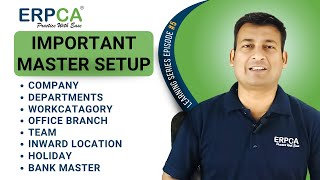 Important Master Setup : Company Departments and More
-
6
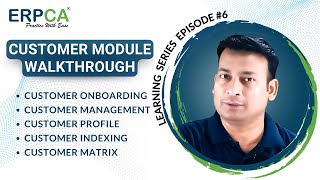 Customer Module Walkthrough : Onboarding | Management | Profiles & More
-
7
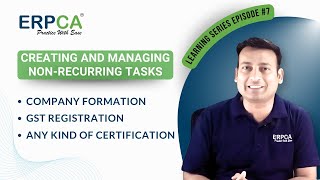 Creating Non-Recurring Tasks in ERPCA: Company Formation | GST Registration
-
8
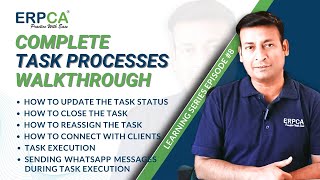 Task Processes : Status | Reassignment | Client Connection & More!
-
9
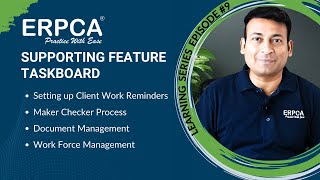 Supporting Feature Taskboard | Client Work Reminders | Maker Checker
-
10
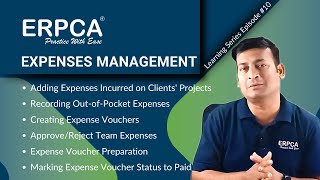 Expenses Management : Client Project Expenses | Vouchers | Approvals
-
11
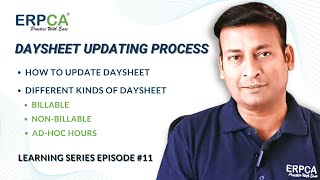 Daysheet Updating Process : Billable | Non Billable | Ad Hoc Hours
-
12
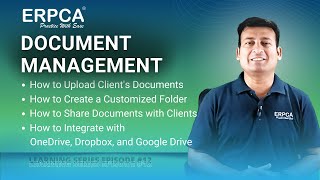 Document Management : Upload | Customize | Share & Integrate

Shorts
Busy Doesn't Mean Organized | How ERPCA Helps CA Firms Stay in Control

Shorts
How ERPCA is Transforming Modern CA Firms | Co-Founder Speaks

Shorts
ERPCA: The Practice Management Software Every CA Firm Needs | Founder Explains

Shorts
CA Office Month-End Stress? Here's the Smarter Way

Shorts
ITR Season Is Busy. Your CA Practice Doesn’t Have to Be Chaotic | ERPCA

Shorts
Testimonial from Auditor Selva Kumar for Sujeet | Woodapple ERP Success Story
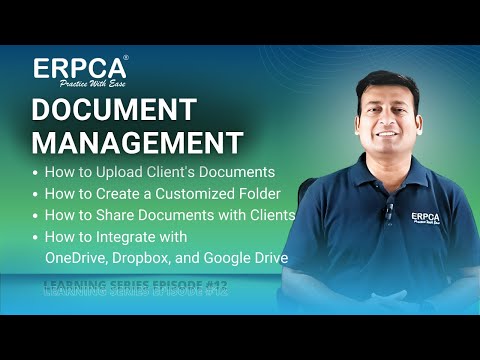 Episode 12
Learning Series
ERPCA Document Management : Upload | Customize | Share & Integrate | Learning Series EP 12
 Episode 11
Learning Series
ERPCA Daysheet Updating Process : Billable | Non Billable | Ad Hoc Hours | Learning Series EP 11
 Episode 10
Learning Series
ERPCA Expenses Management : Client Project Expenses | Vouchers | Approvals | Learning Series EP 10
 Episode 9
Learning Series
ERPCA Supporting Feature Taskboard | Client Work Reminders | Maker Checker | Learning Series EP 9
 Episode 8
Learning Series
ERPCA Task Processes : Status | Reassignment | Client Connection & More! | Learning Series EP 8
 Episode 7
Learning Series
Creating Non-Recurring Tasks in ERPCA: Company Formation | GST Registration | Learning Series Ep 7

ERPCA User Tips
Stay Organized and Productive : Check Out ERPCA 3.0's Team Scheduling
 Episode 6
Learning Series
ERPCA Customer Module Walkthrough : Onboarding | Management | Profiles & More | Learning Series Ep 6
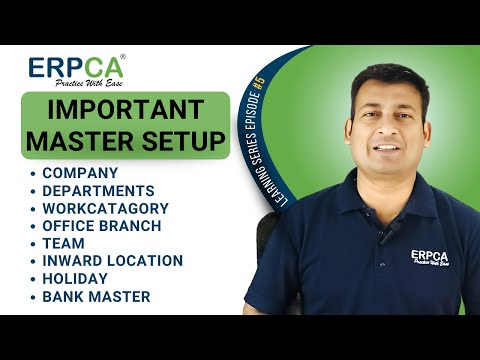 Episode 5
Learning Series
ERPCA Important Master Setup : Company Departments and More | Learning Series Ep 5
 Episode 3
Learning Series
ERPCA User Management : Adding Users | Permissions Setup | Task Transfer | Learning Series EP 3
 Episode 4
Learning Series
ERPCA Workflow Management : Categories | Departments | Checklists | Recurring | Learning Series Ep 4
 Episode 2
Learning Series
Setting Up Different System Configurations in ERPCA | Learning Series Ep 2

ERPCA User Tips
EPRCA 3.0: Walkthrough of Enhanced Attendance Module with Selfie & Location Features

ERPCA User Tips
Revolutionize Your Accounting Practice with ERPCA

Shorts
ERPCA – The Future of Professional Practice Management!
Shorts
Unlocking Power: How ERPCA Transforms Professionals into Financial Titans!
 Episode 1
Learning Series
ERPCA Onboarding Journey: Account Setup | User & Customer | Seamless Workflow | Learning Series Ep1

ERPCA User Tips