ERPCA
Video Library
Step-by-step tutorials, product walkthroughs and customer stories showing how ERPCA works.
184 videos · Page 4 of 8
Start here · Learning Series
ERPCA from setup to daysheets, in 30 episodes
The onboarding course our team walks every new firm through: account set-up, users, workflows, customers, tasks, expenses, daysheets and documents — in the order you will actually do them.
-
1
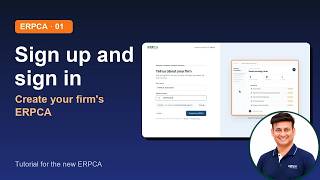 01 · Sign up and sign in: create your firm's ERPCA
-
2
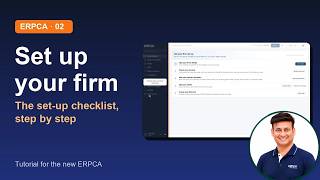 02 · Your set-up checklist: firm details, services, partner and team, first client, first task
-
3
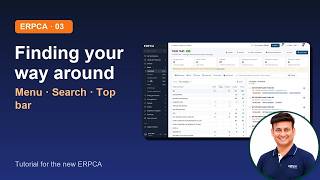 03 · Finding Your Way Around: The Menu, Search and The Top Bar
-
4
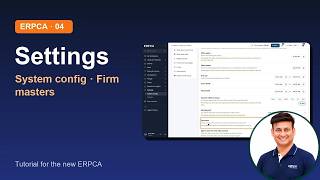 04 · Settings: Organisation Details, Branches, System Configuration
-
5
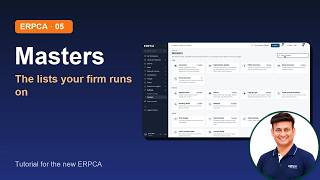 05 · Masters: Departments, Work Categories, Teams, Holidays, Task Stages
-
6
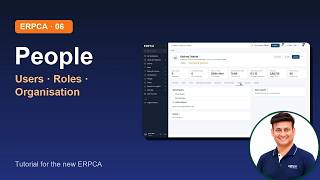 06 · People: Add and Import Users, Roles and Permissions, Organisation
-
7
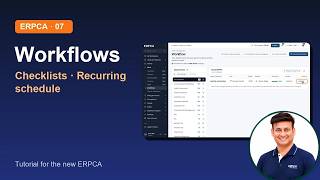 07 · Workflows: Services, Checklists, Recurring Schedule
-
8
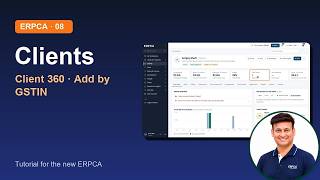 08 · Clients: Find A Client, Client 360 and Add by GSTIN
-
9
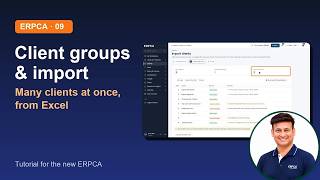 09 · Client Groups and Importing Clients
-
10
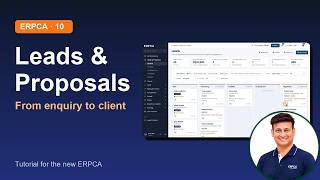 10 · Leads & Proposals: Pipeline, Follow-ups, Proposals, Convert to Client
-
11
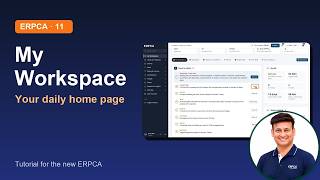 11 · My Workspace Your Daily Home Page
-
12
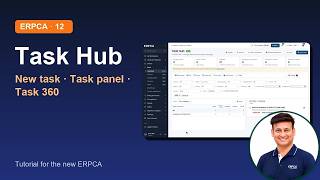 12 · Work 1 Task Hub, Creating A Task, Task 360
-
13
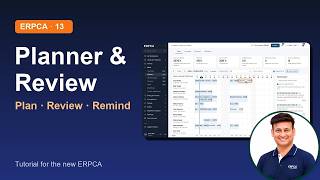 13 · Work 2 Planner, Review Board, Reminders
-
14
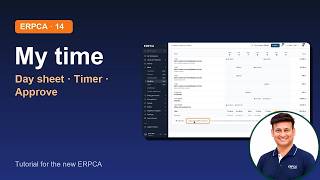 14 · My Time The Day Sheet and The Time Tracker
-
15
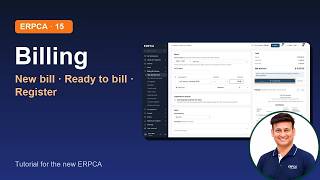 15 · Billing 1 New Bill, Ready To Bill, Bill Register
-
16
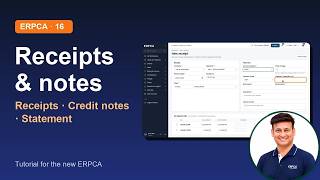 16 · Billing 2 Receipts, Credit And Debit Notes, Statements
-
17
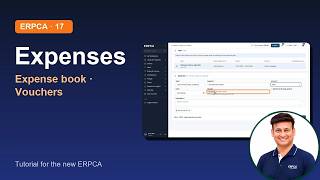 17 · Expenses Expense book, Vouchers, Approvals
-
18
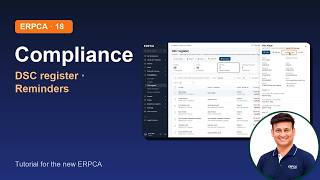 18 · Compliance DSC Register, Reminders, Bill Due Reminders
-
19
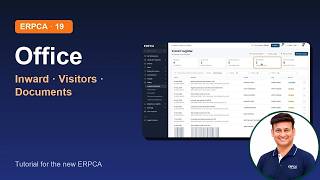 19 · Office Inward and Outward, Visitors, Documents and Passwords
-
20
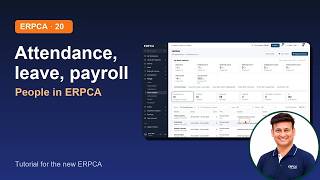 20 · People 2 Attendance, Leave, Payroll
-
21
 21 · Reports & Insights
-
22
 22 · Your Account and Connections Profile, Integrations, WhatsApp
-
23
 23 · Client Logins Activating Them and What Your Client Sees
-
24.1
 24 1 · GST Suite 1 of 5 Home, Connecting Clients and Set Up
-
24.2
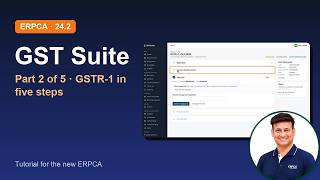 24 2 · GST Suite 2 of 5 GSTR 1, From Sales Data to Filing
-
24.3
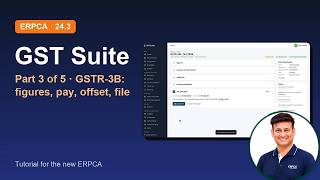 24 3 · GST Suite 3 of 5 GSTR 3B, From The Portal's Figures to Payment and Filing
-
24.4
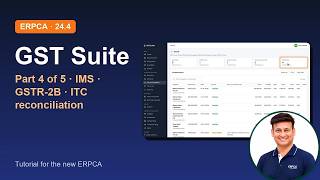 24 4 · GST Suite 4 of 5 Purchases and Credit, IMS Inbox, GSTR 2B and ITC Reconciliation
-
24.5
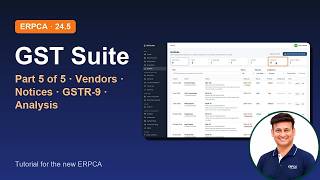 24 5 · GST Suite 5 of 5 Vendors and Customers, Notices, GSTR 9 and Analysis
-
25
 25 · IT Suite Income Tax Filings From Documents to e verification
-
26
 26 · Minutes of Meetings Plan A Meeting, Write The Minutes, Follow Up The Action Items
 Episode 5
ERPCA User Tips
ERPCA Important Master Setup : Company Departments and More | Learning Series Ep 5
 Episode 3
ERPCA User Tips
ERPCA User Management : Adding Users | Permissions Setup | Task Transfer | Learning Series EP 3
 Episode 4
ERPCA User Tips
ERPCA Workflow Management : Categories | Departments | Checklists | Recurring | Learning Series Ep 4
 Episode 2
ERPCA User Tips
Setting Up Different System Configurations in ERPCA | Learning Series Ep 2

ERPCA User Tips
EPRCA 3.0: Walkthrough of Enhanced Attendance Module with Selfie & Location Features

ERPCA User Tips
Revolutionize Your Accounting Practice with ERPCA

Shorts
ERPCA – The Future of Professional Practice Management!

Shorts
Unlocking Power: How ERPCA Transforms Professionals into Financial Titans!
 Episode 1
ERPCA User Tips
ERPCA Onboarding Journey: Account Setup | User & Customer | Seamless Workflow | Learning Series Ep1

ERPCA User Tips
Escape Busyness with ERPCA : Simplify Work and Grow Your Business Faster!

ERPCA User Tips
ERPCA Rapid Overview : Say Goodbye to Frustration, Restore Work-Life Balance!

Shorts
Master Your Tax Practice: Unlock Stress-Free Success with ERPCA!

ERPCA User Tips
Elevate Your Workflow Unleashing ERPCA's Power Packed November Upgrade!
ERPCA User Tips
How to login with WhatsApp in ERPCA mobile app?
ERPCA User Tips
How to mark To-Do as completed in ERPCA?
ERPCA User Tips
How to create new To-Do, edit, delete and remark on same To-Do in ERPCA?
ERPCA User Tips
How to add new or sister company in ERPCA?

ERPCA User Tips
Effortless Invoicing: How to Add Automatic Bill Prefixes in ERPCA!
ERPCA User Tips
How to create new inward in ERPCA?
ERPCA User Tips
How to create returnable inward get ready to outward in ERPCA?
ERPCA User Tips
How to change the non returnable inward status to ready to outward in ERPCA?
ERPCA User Tips
How to add daysheet manually in ERPCA?
ERPCA User Tips
How to review our team members daysheet in ERPCA?
ERPCA User Tips