ERPCA
Video Library
Step-by-step tutorials, product walkthroughs and customer stories showing how ERPCA works.
150 videos · Page 6 of 7
Start here · Learning Series
ERPCA from setup to daysheets, in 12 episodes
The onboarding course our team walks every new firm through: account set-up, users, workflows, customers, tasks, expenses, daysheets and documents — in the order you will actually do them.
-
1
 Onboarding Journey: Account Setup | User & Customer | Seamless Workflow
-
2
 Setting Up Different System Configurations in ERPCA
-
3
 User Management : Adding Users | Permissions Setup | Task Transfer
-
4
 Workflow Management : Categories | Departments | Checklists | Recurring
-
5
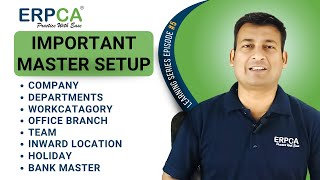 Important Master Setup : Company Departments and More
-
6
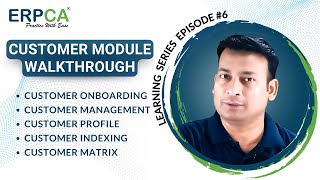 Customer Module Walkthrough : Onboarding | Management | Profiles & More
-
7
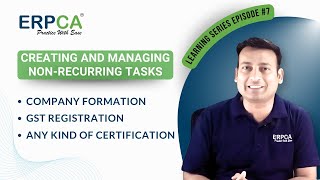 Creating Non-Recurring Tasks in ERPCA: Company Formation | GST Registration
-
8
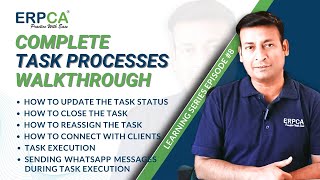 Task Processes : Status | Reassignment | Client Connection & More!
-
9
 Supporting Feature Taskboard | Client Work Reminders | Maker Checker
-
10
 Expenses Management : Client Project Expenses | Vouchers | Approvals
-
11
 Daysheet Updating Process : Billable | Non Billable | Ad Hoc Hours
-
12
 Document Management : Upload | Customize | Share & Integrate
ERPCA User Tips
How to create voucher for without creating task in ERPCA?
ERPCA User Tips
How to create proforma invoice and convert to tax invoice
ERPCA User Tips
How to use filter, close and change task status in ERPCA?
ERPCA User Tips
How to get the customer’s list filtered applying various categories using Customer index in ERPCA?
ERPCA User Tips
How to view tasks log in ERPCA?
ERPCA User Tips
How to submit task for review from taskboard in ERPCA?
ERPCA User Tips
How to take single action on multiple tasks in one go in ERPCA?
ERPCA User Tips
How to close single or multiple tasks in one go in ERPCA?
ERPCA User Tips
How to create new task(s) manually in ERPCA?
ERPCA User Tips
How to disable customer’s profile or make customer inactive or active in ERPCA?

ERPCA User Tips
Effortless Task Management: Updating Single or Multiple Task Status in ERPCA

ERPCA User Tips
Seamless Task Transfer in ERPCA: Effortlessly Move WIP and Overdue Tasks Between Resources
ERPCA User Tips
Streamline Your Resources: Learn How to Remove Users in ERPCA Tutorial

ERPCA User Tips
Unlock ERPCA Potential: Step-by-Step Guide to Registering Resources

ERPCA User Tips
ERPCA Quick Intro: Ending Frustration and Restoring Work-Life Balance!
ERPCA User Tips
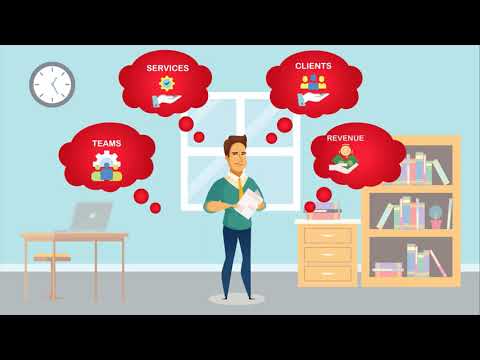
ERPCA Introduction Video
ERPCA User Tips
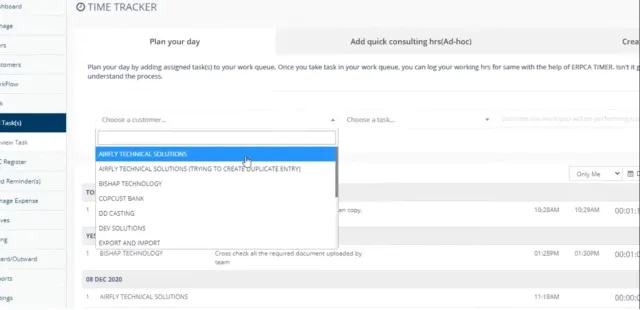
How to plan your day with assigned tasks by using Time-Tracker in ERPCA?
ERPCA User Tips
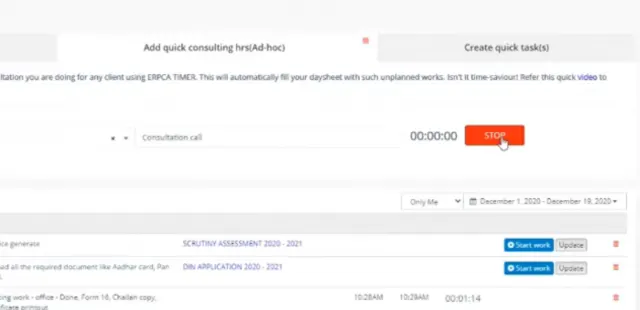
How to record client consultation hrs by using Time-Tracker in ERPCA?
ERPCA User Tips
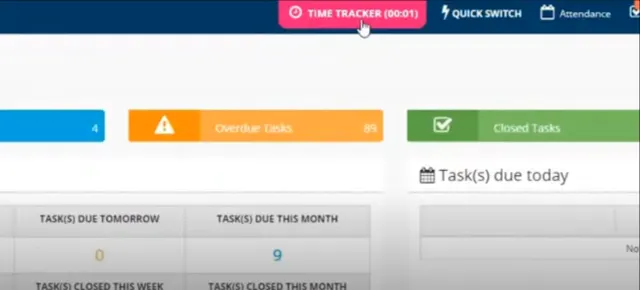
How to log hrs spent on quick task by using Time-Tracker in ERPCA?
ERPCA User Tips
How to update DSC usage log in ERPCA?
ERPCA User Tips
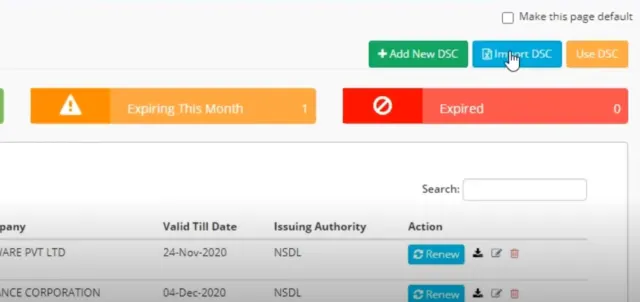
How to import DSC data in ERPCA?
ERPCA User Tips
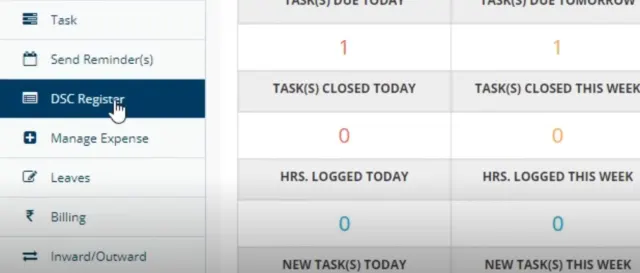
How to add DSC details in ERPCA?

ERPCA User Tips
How to update DSC Renewal status in ERPCA

ERPCA User Tips